Blogger Integration
Connect your Blogger account to automatically export and publish generated articles directly from the Intexa AI platform.
1
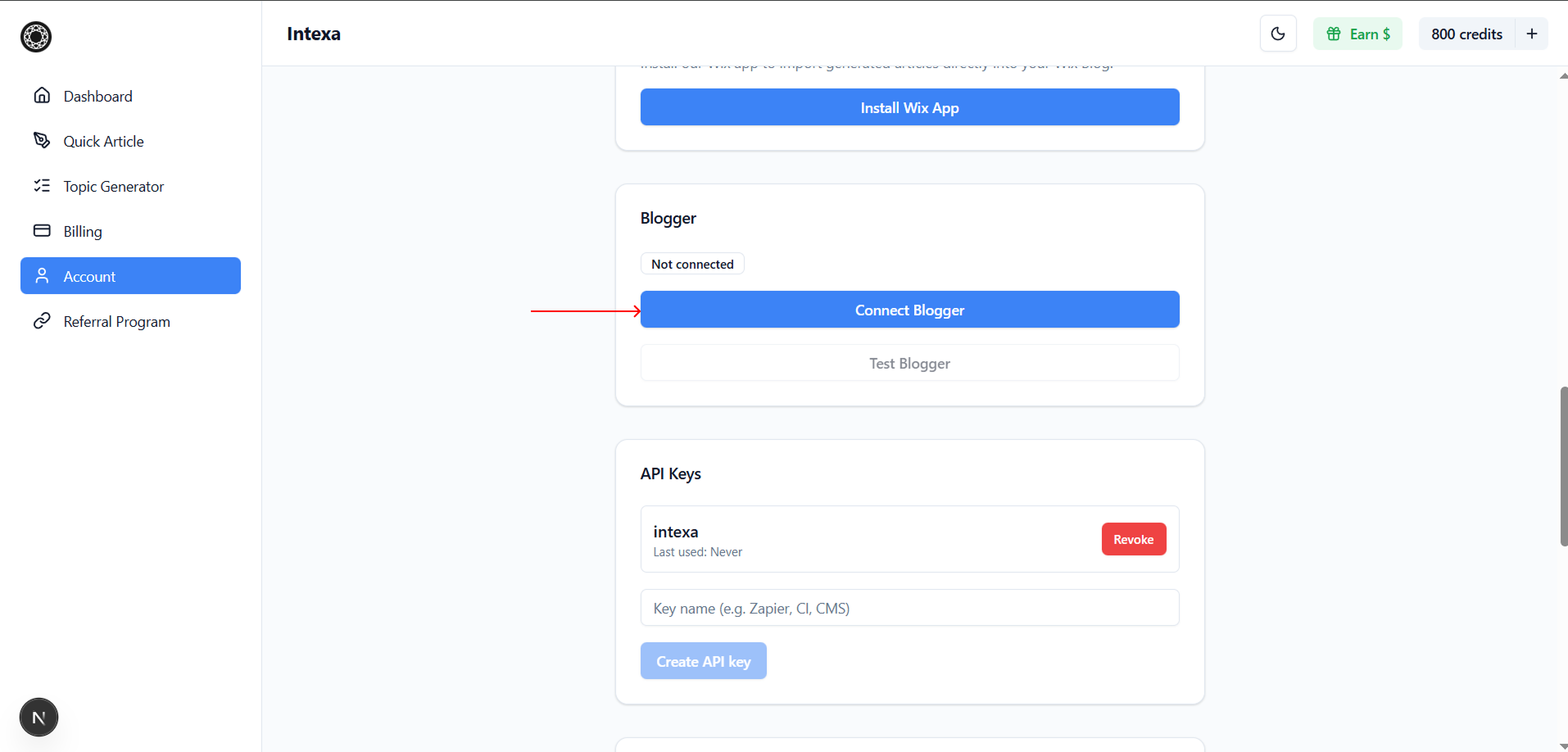
Open the Account section in the Intexa AI dashboard, locate the Blogger Integration block, and click Connect Blogger. Sign in and link your Google account to continue.
2
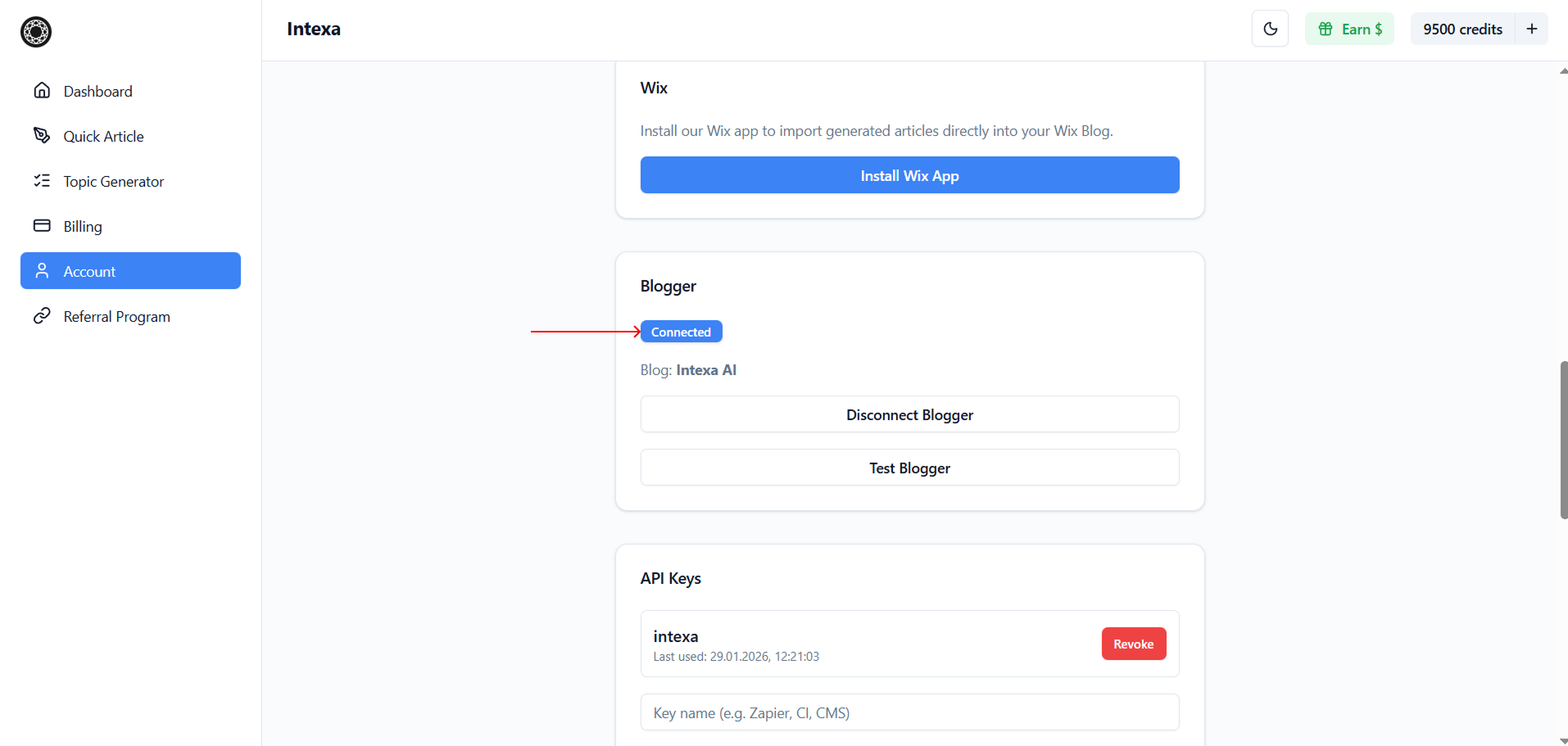
After successful connection, the Blogger integration status will change to Connected in the Intexa AI dashboard.
3
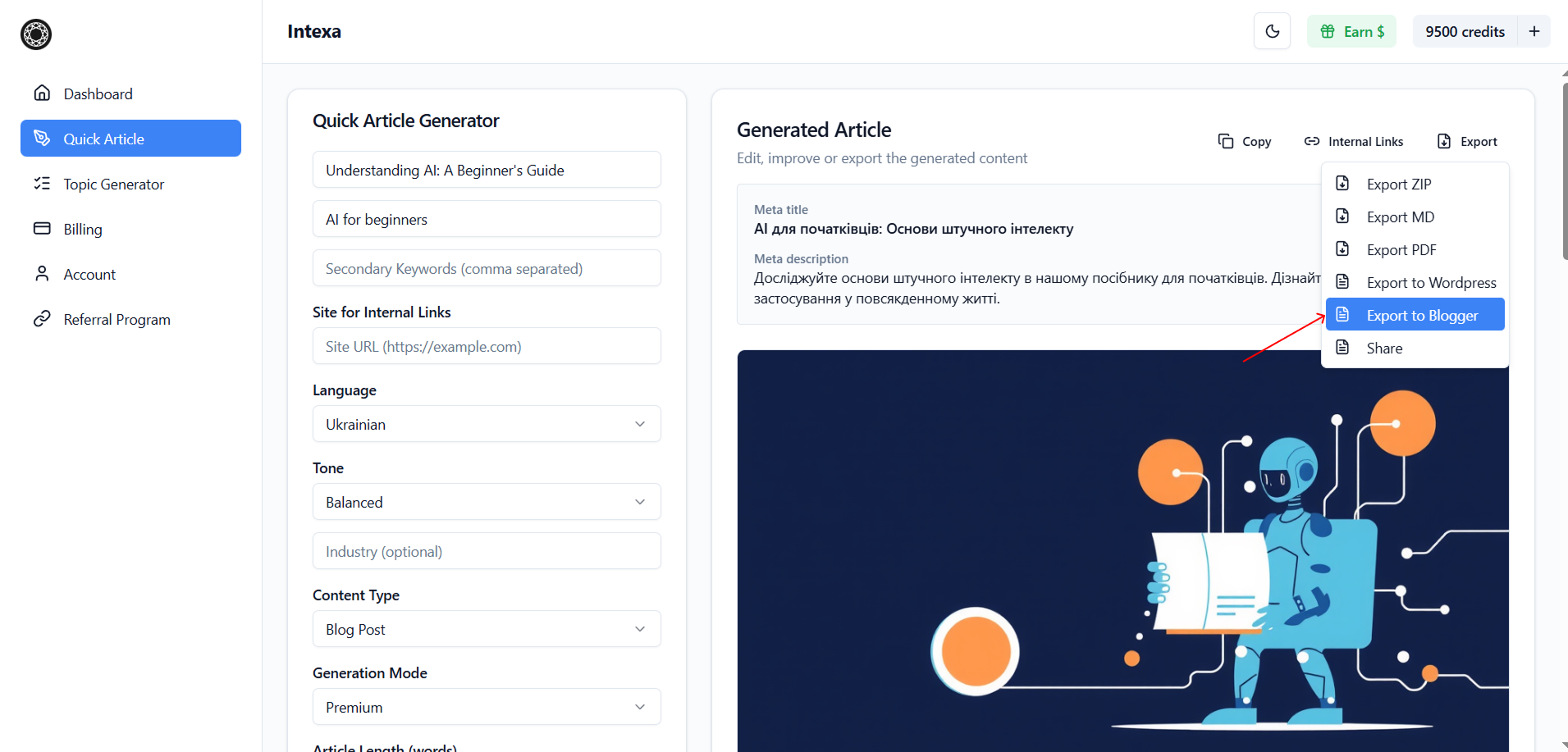
In the article generation window, click Export and select Export to Blogger to send the generated article to your Blogger account.
4
The article will be automatically added and published on your Blogger blog without any additional actions.
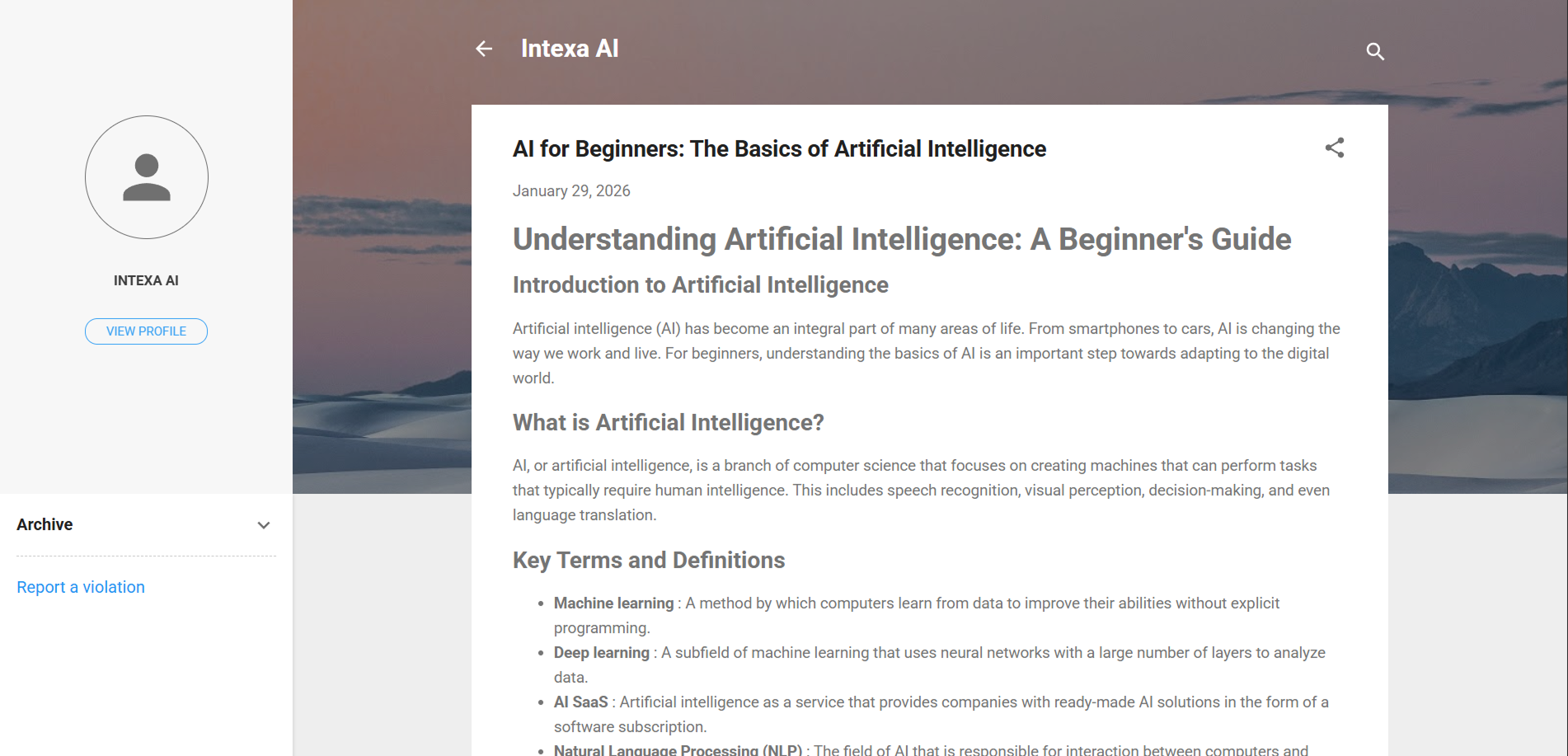
5
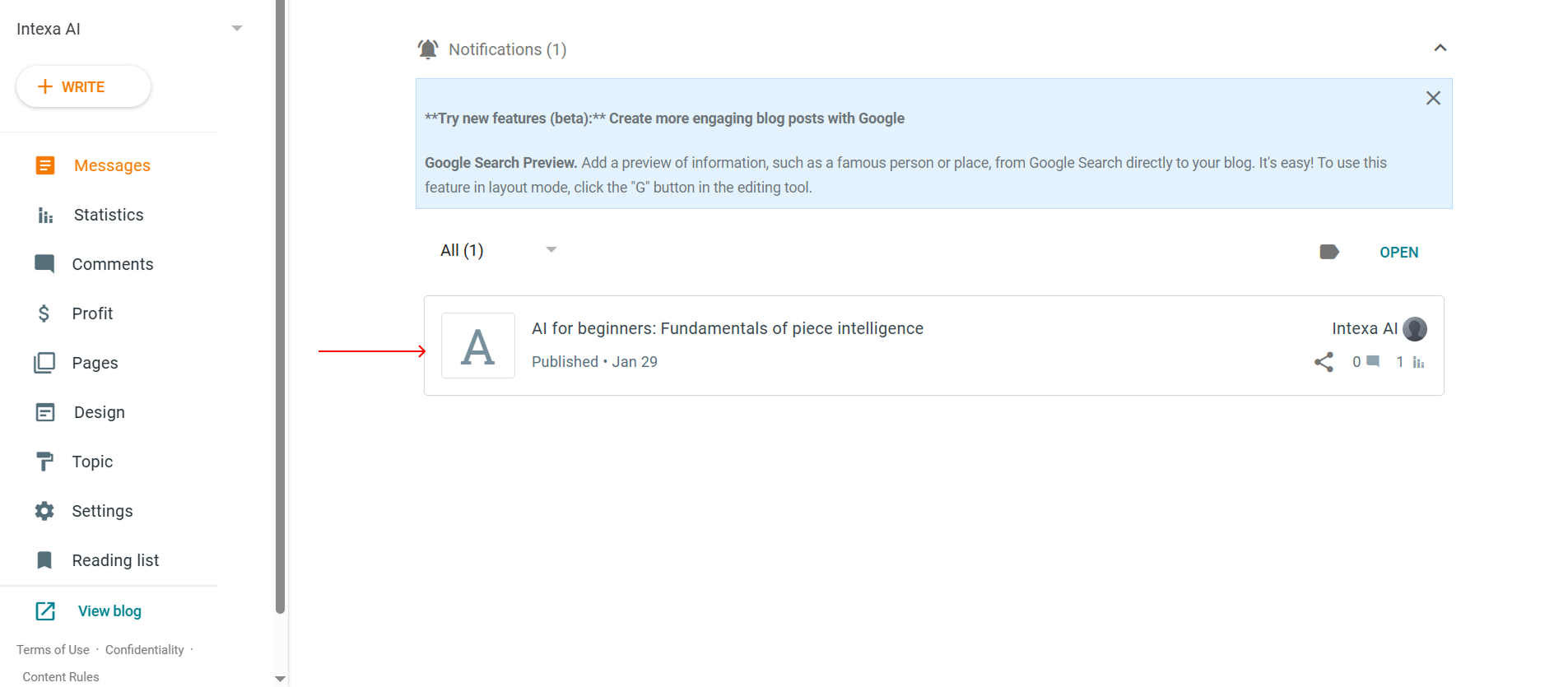
Open your Blogger dashboard to view, edit, and manage the published article.