Wix Integration
Connect your Wix website to import generated articles from Intexa AI and publish them directly to your Wix blog.
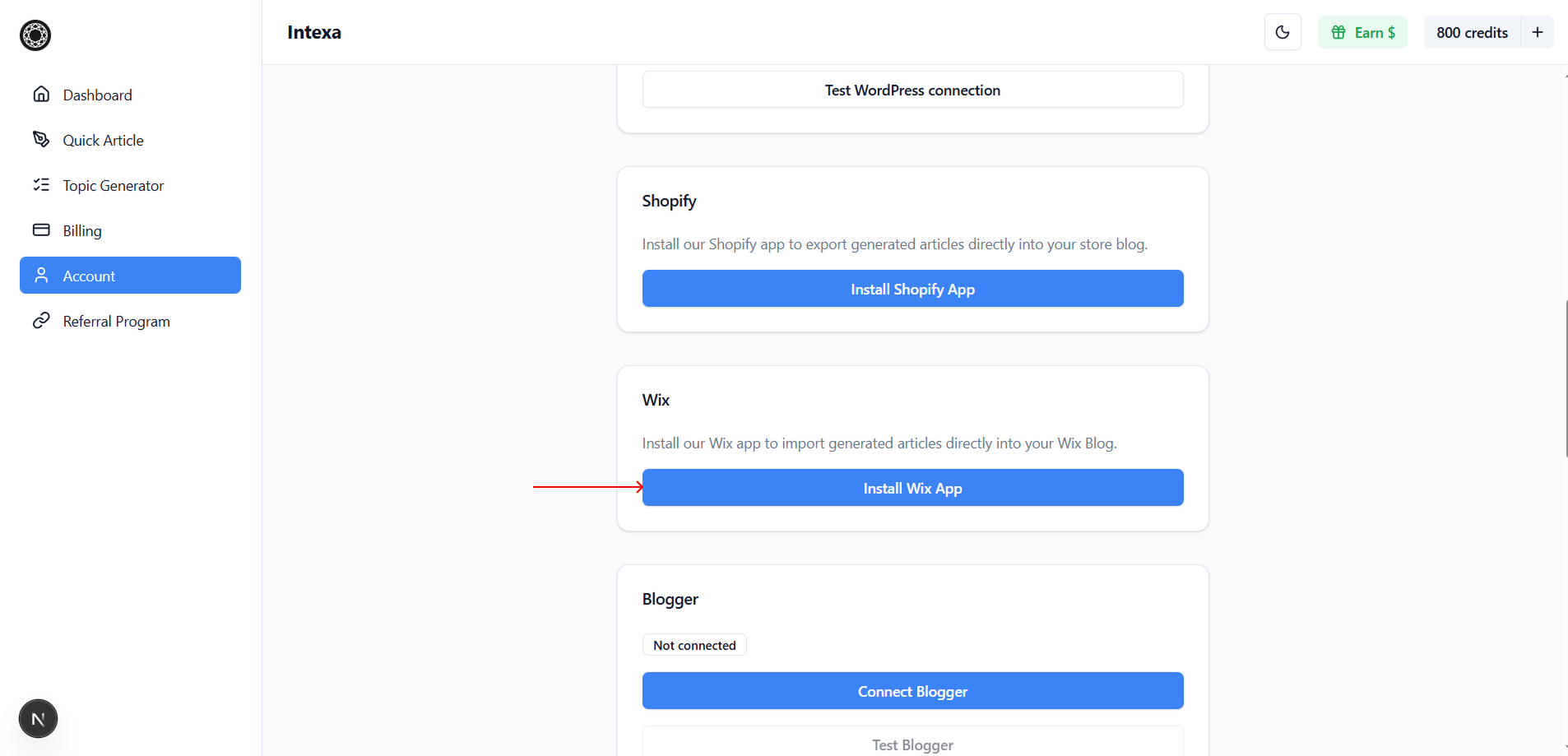
Open the Account section in the Intexa AI dashboard, locate the Wix Integration block, and click Install Wix App to start the connection process.
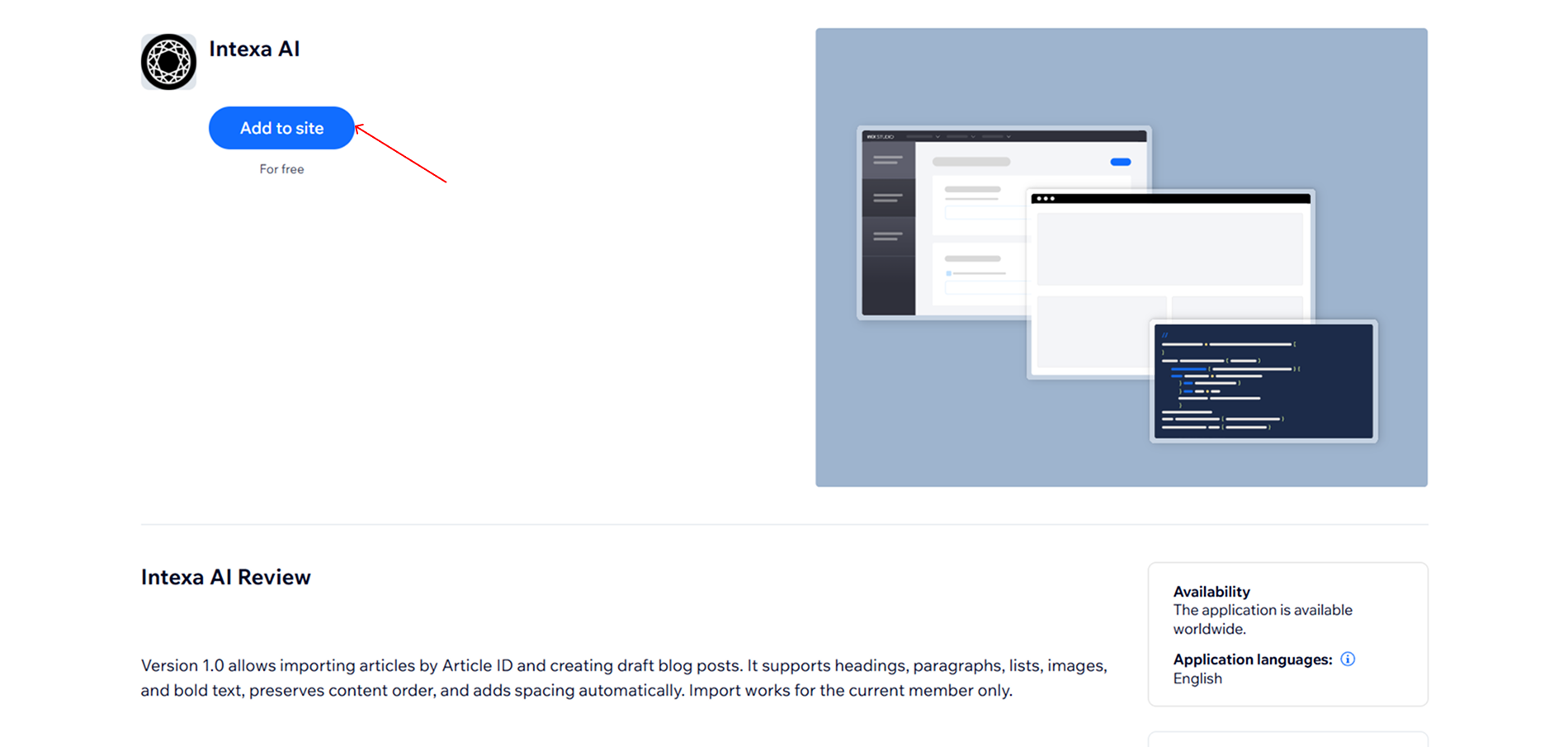
In the newly opened tab, click Add to Site and complete the installation of the Intexa AI app on your Wix website.
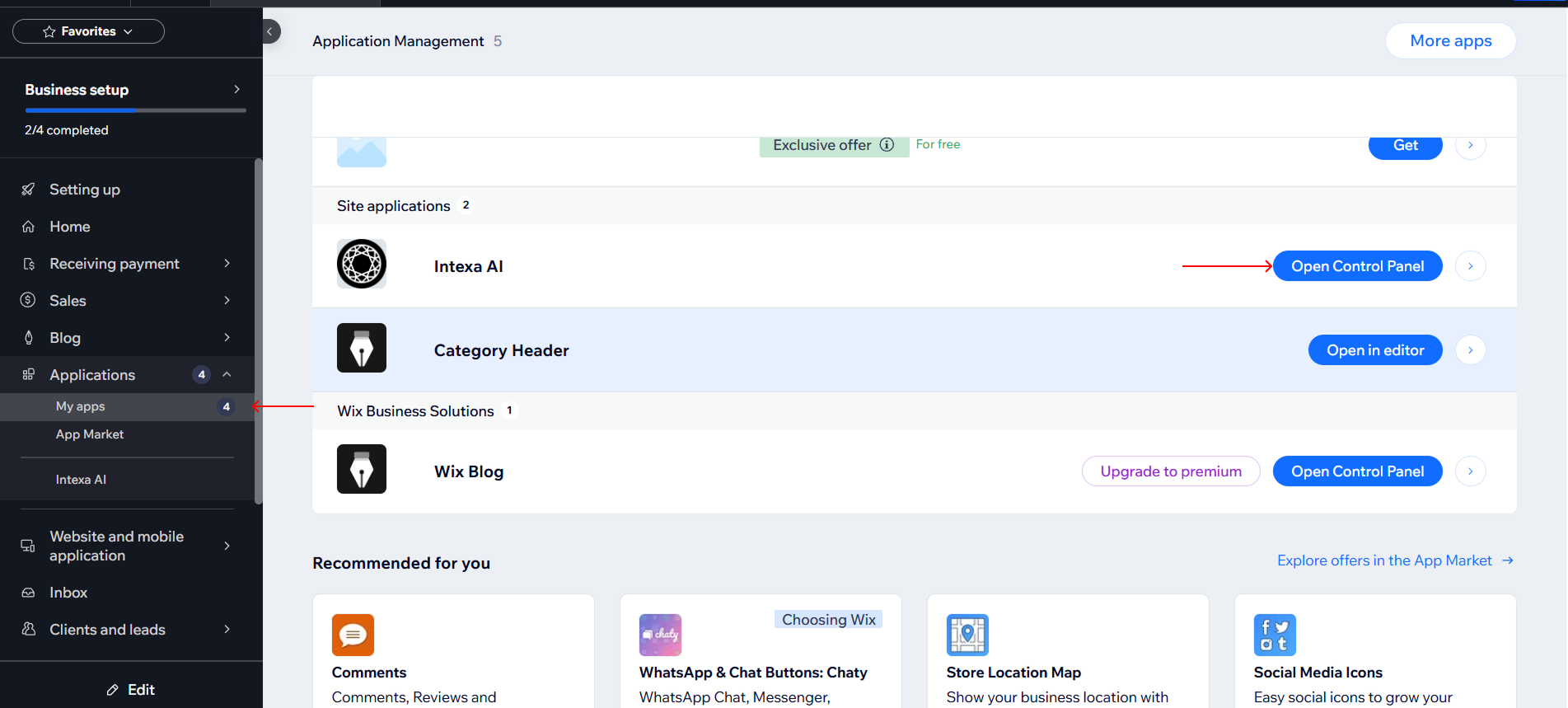
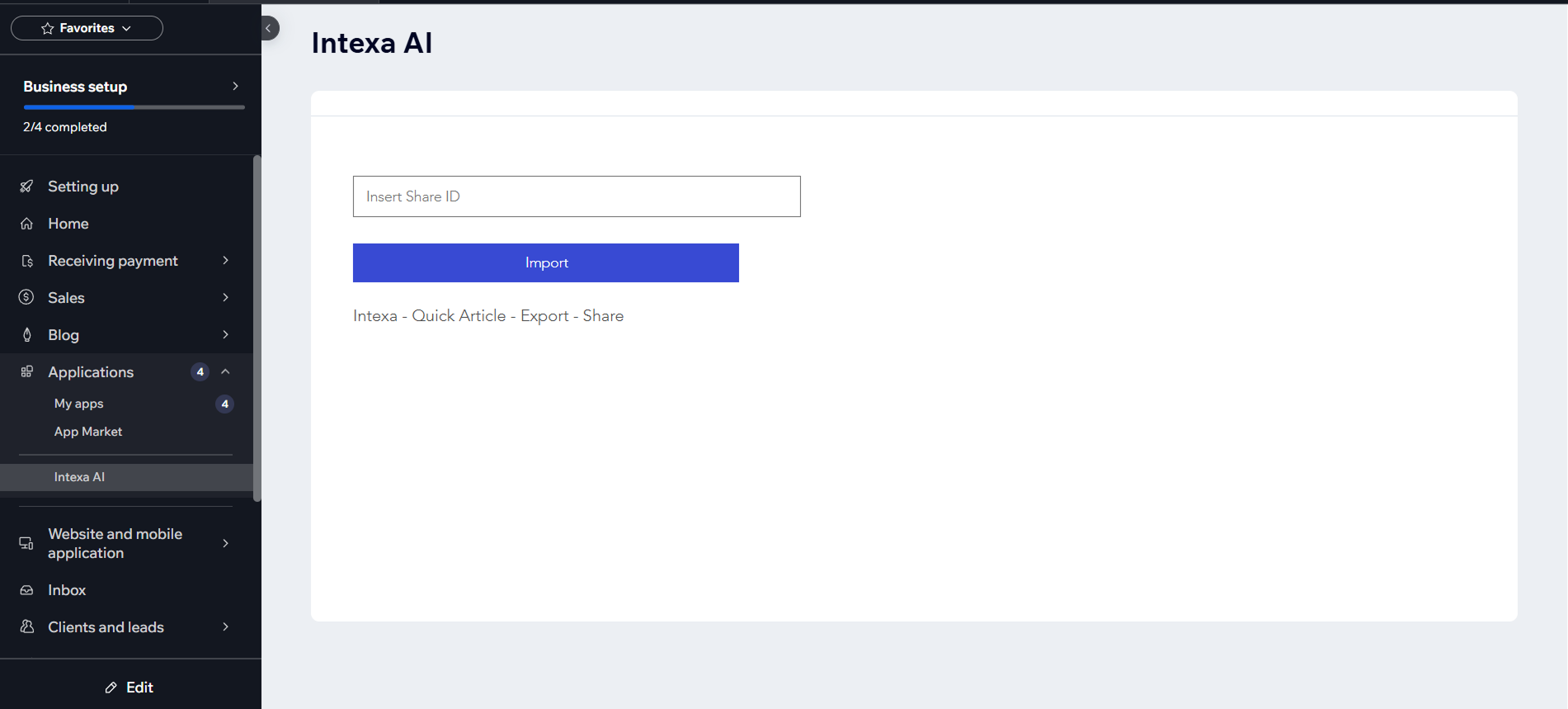
After installation, go to Applications → My Apps in your Wix dashboard and click Open Control Panel for the Intexa AI app.
Return to the Intexa AI dashboard and navigate to the article generation section to create new content.
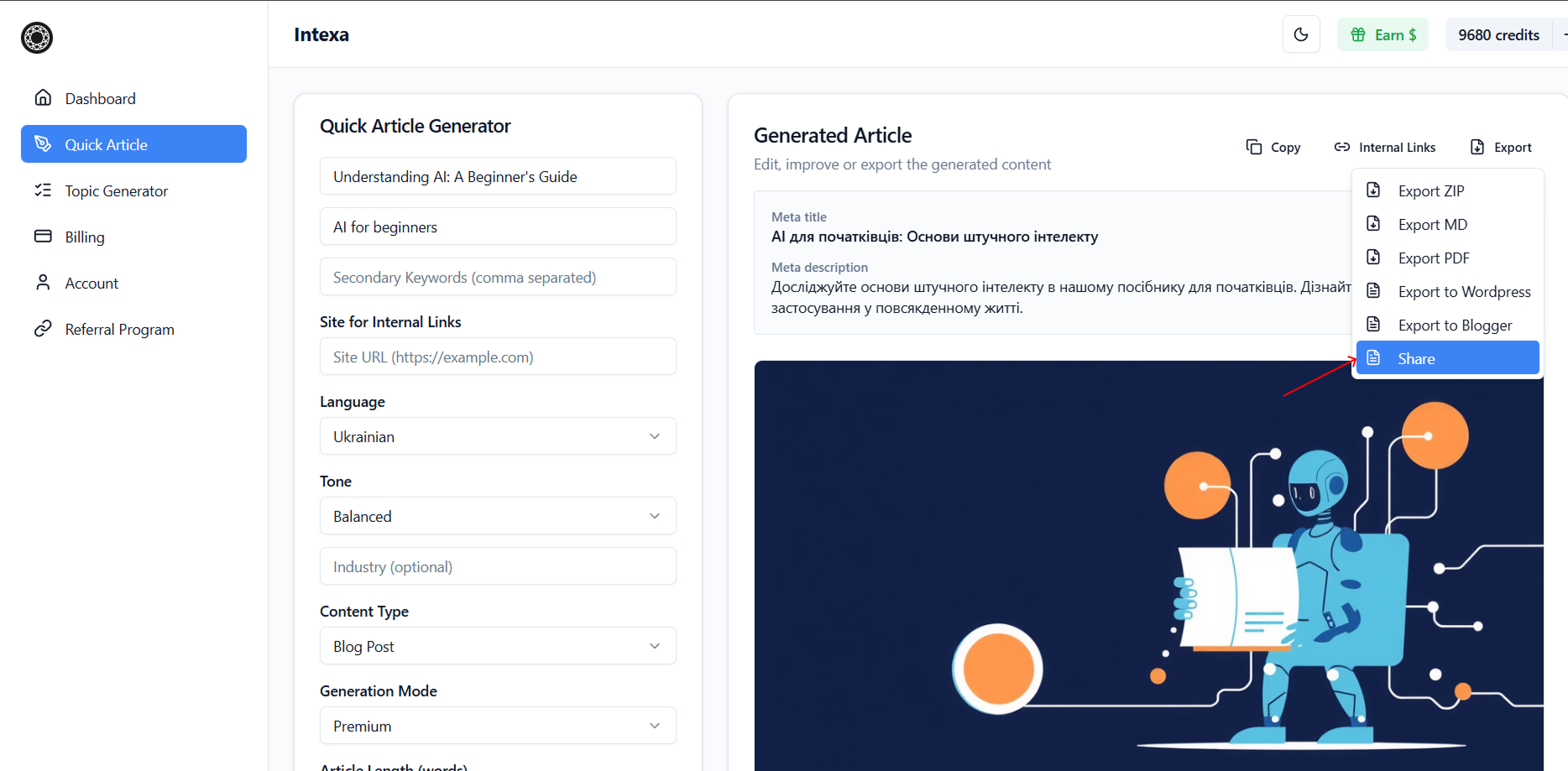
After generating the article, click Export and select Share to copy the article ID.
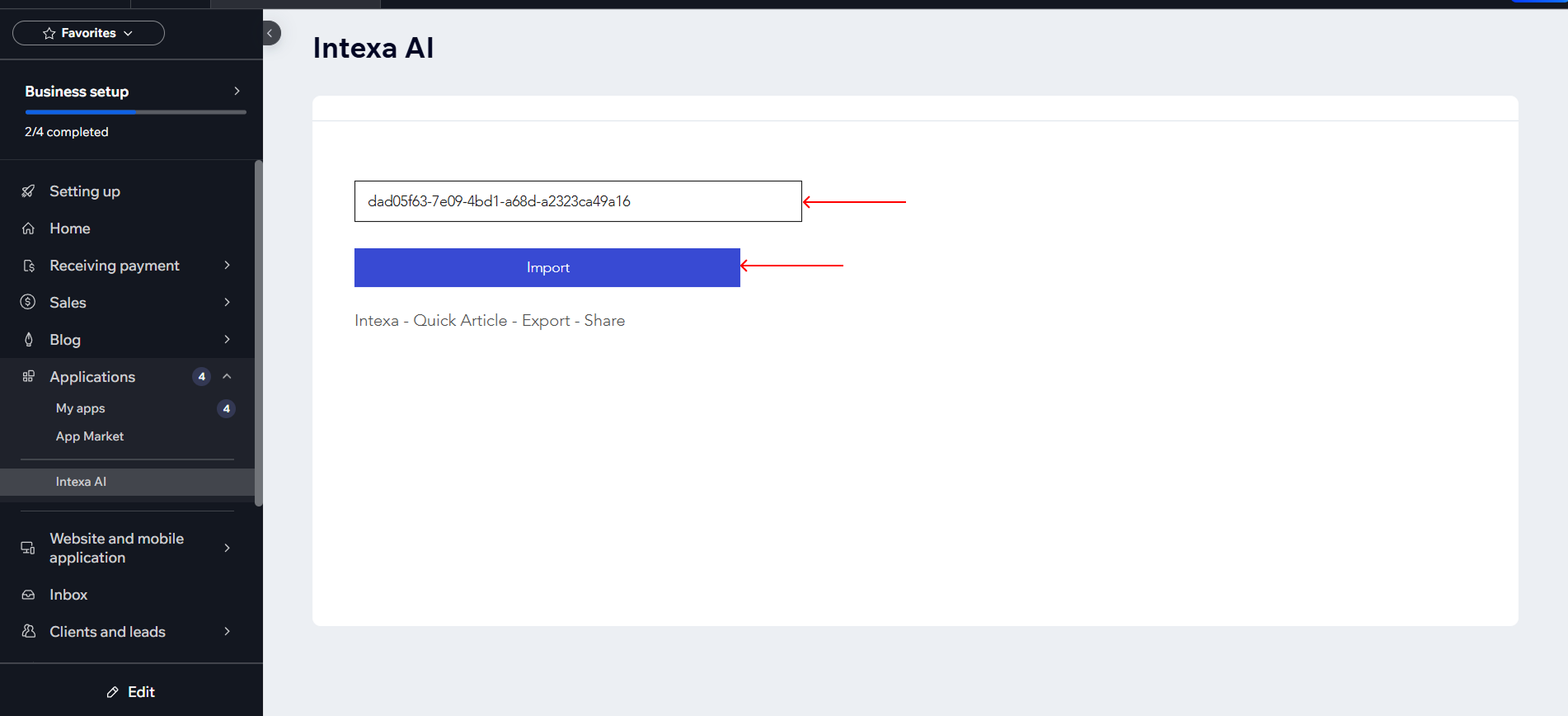
Paste the copied Intexa ID into the Intexa AI app panel inside Wix and click Import to bring the article into your Wix site.
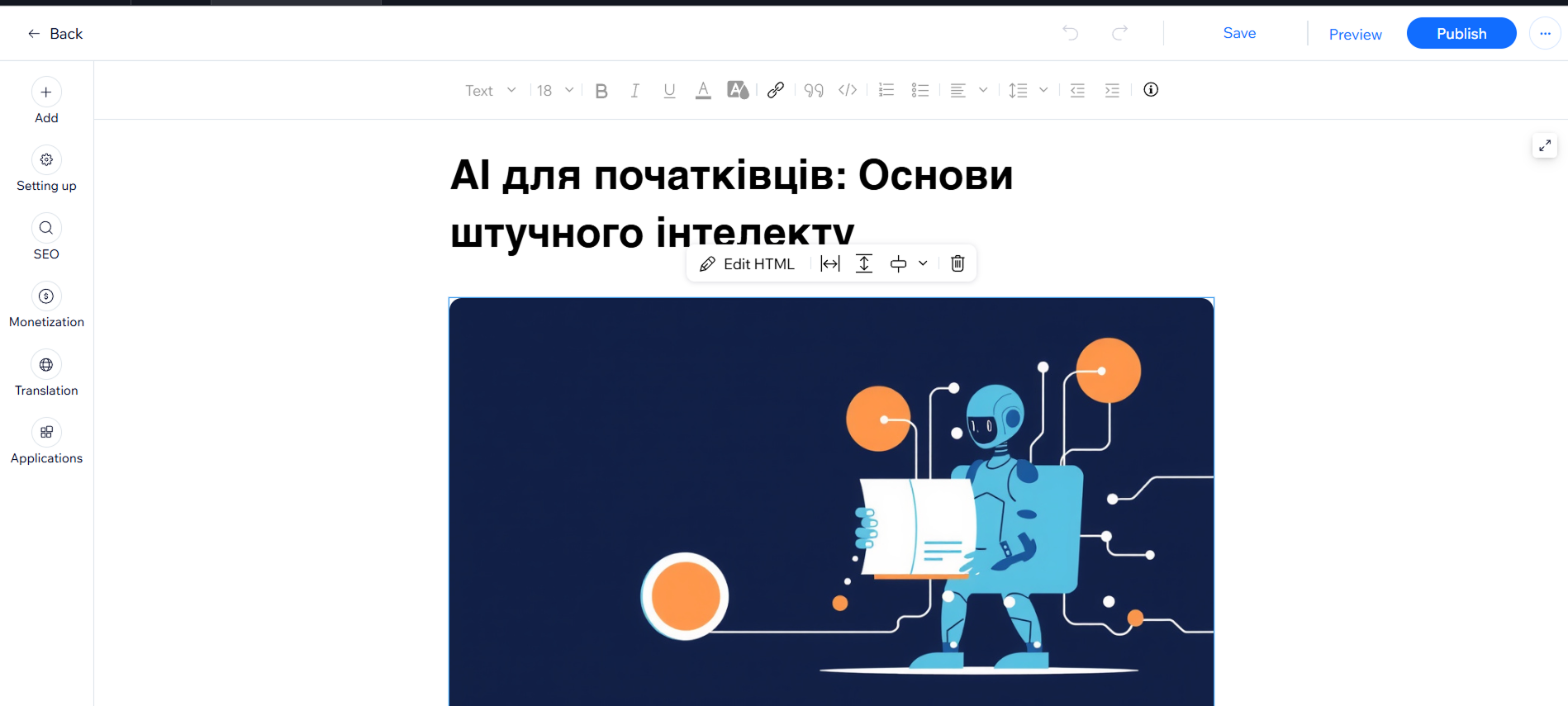
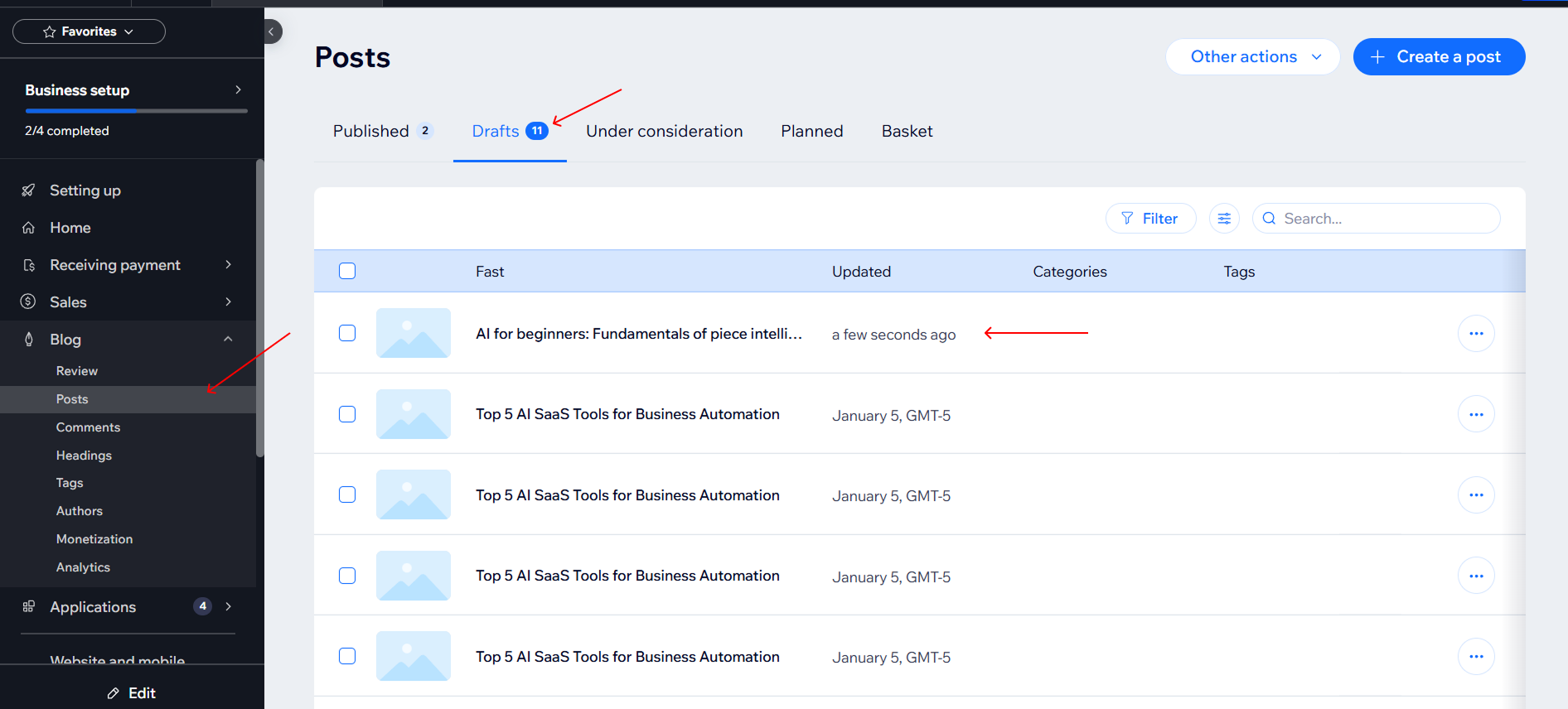
Open Blog → Posts in your Wix dashboard. The imported article will appear in the Drafts section.
Open the draft article to review, edit, and publish it when you are ready.